Technical Support
Fast, plain-English troubleshooting for apps, networks, printers, and Macs, and iPhones.
Remote Support: Quick, permission-based screen sharing so you stay in control. (Included and prioritized for Maintenance Plan members).
On-Site Support: A fully equipped mobile workshop serving Marin County clients at home or in the office.
What We Support
- macOS setup, configuration, and troubleshooting
- App installation, updates, and conflict resolution
- Email setup (Mail, Outlook, Gmail) & iCloud/Apple ID issues
- Wi-Fi, networking, routers, printers, and scanners
- iPhone, iPad, and Apple Watch setup and syncing
- Data migration, external storage, and backup recovery
- Video conferencing setup (Zoom, Teams, FaceTime)
- Backup and Upgrade regimens to keep your data safe
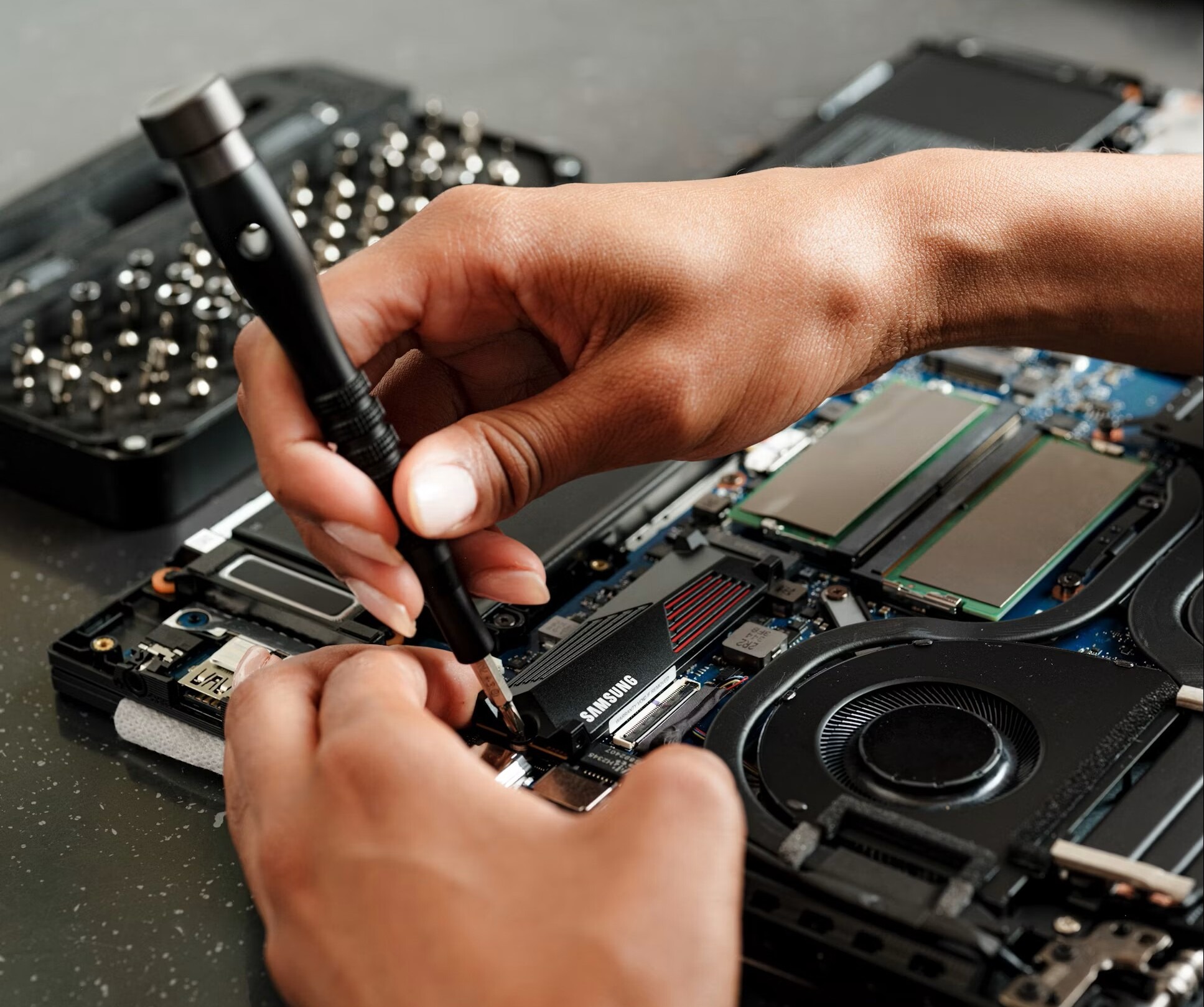

Maintenance & Security Plan
Our flagship service offers quiet, proactive care to catch security vulnerabilities, failing backups, and malware before they become crises.
What’s Included
- 24/7 Monitoring: Continuous security, malware protection, and system health checks.
- Backups: Daily, encrypted off-site backups.
- Updates: Automated macOS and software updates on a tested schedule.
- Priority Access: VIP remote support that moves you to the front of the line.
- Reporting: An annual in-depth review plus monthly plain-English health reports.
One-on-One Training
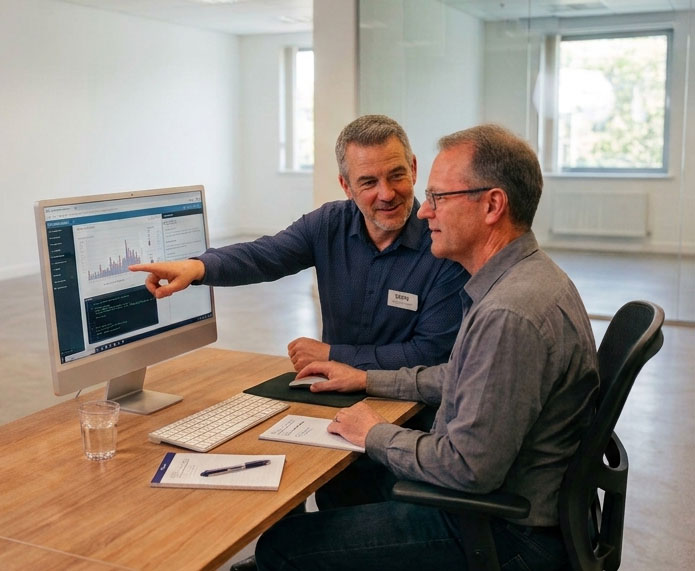
Tailored, unhurried, and curriculum-free sessions designed to build your confidence. Perfect for beginners, Windows switchers, or anyone wanting to master their tools. We adjust the subject matter to what you want to learn about, at your level. Available via remote screen sharing or in-person (60–90-minute sessions recommended).
Popular Training Topics
- macOS, iPhone & iPad: Basics, hidden features, shortcuts, and time-saving habits.
- Apple Ecosystem & iCloud: Syncing files, photos, and data seamlessly across all devices.
- Productivity & Communication: Mail, Calendar, Pages, Numbers, Notes, and Video Conferencing.
- Security & Workflows: Passwords, 2FA, safe browsing, and PDF digital signatures.
Home Office Setup
End-to-end guidance to help you build an efficient, powerful, and comfortable workspace.
Purchase Advice
- Choosing the right Mac model (Air, Pro, mini, Studio, iMac) and tech specs.
- Finding the right monitors, keyboards, routers, and printers.
- Deciding between new, refurbished, or waiting for upcoming releases.
- Custom Domain email systems; all aspects of domain management and problem solving.